Google Hotpot

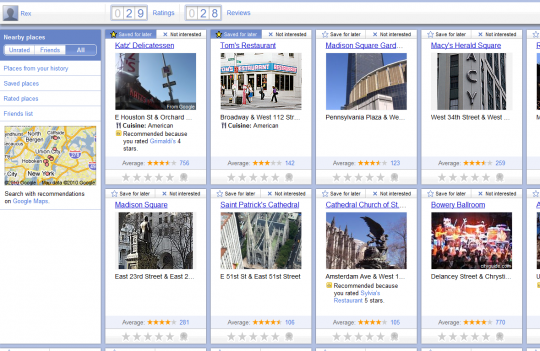
Just came across Hotpot.
Google Hotpot

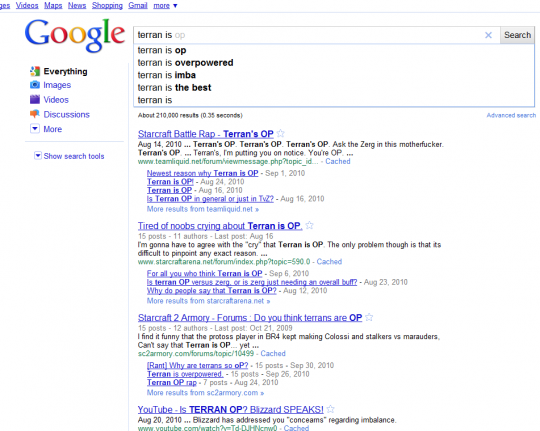
The UI is very simple to use once you get into it. You simply search for a location and then rate/review. The list of locations has already been pre-populated by Google Map’s places.

This site wants to be social, but nobody I know has accepted my Hotpot invite yet. This includes a Googler who I assume is too busy swimming in money.

Early Adoption

One gripe I have upon my first visit, Hotpot was stuck on a page requiring me to update my Google profile username before it would let me review places. While I can see why you’d need a public username, it was a speed bump holding me back from instantly using the site.

(via HN)

Installing Rails 3 on Windows 7

This post is to document, how I got Ruby on Rails 3 up and running. Each time I have had to install this, (due to my non-technical background) it has been an arduous process. Note that I am reading the free online Rails book as my rails tutorial and I’m using generic Windows 7.

  1. Install Ruby 1.8.7

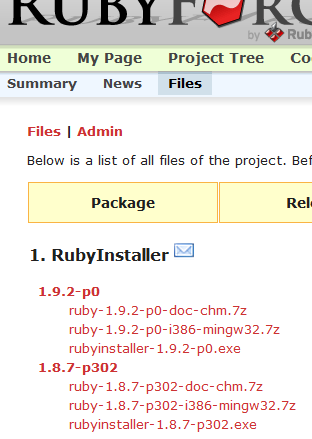
    I downloaded the .exe file for version 1.8.7-p302.

    
    After googling for a few seconds, I still can’t figure out the difference between: 1.8.7-p302, 1.8.7-p299, and 1.8.7-p249. No matter, moving along now.

    Run the installer that you downloaded by double clicking on the file.
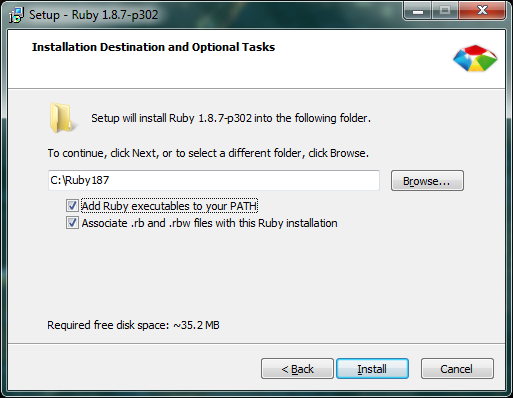
    I opted to check both of these boxes during the installer:

    When the installation finishes, check the Command Line to verify that Ruby is installed. To get to the Command Line, press the Windows Key, type “cmd” and press Enter.

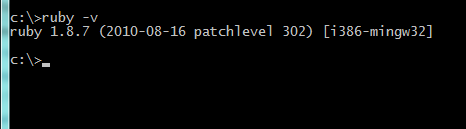
    Type “ruby -v” and you should get the box below. Ruby is installed.

  2. Install RubyGems 1.3.7

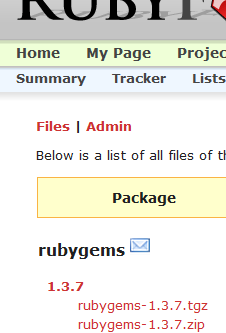
    Download the .zip file for version 1.3.7.

    Extract the .zip file and place the the folder “rubygems-1.3.7”  in your Ruby directory. For me, the Ruby directory would be C:/Ruby187/

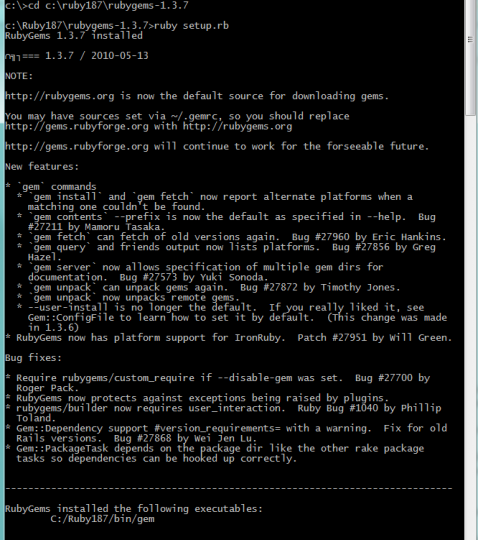
    Open up the command line and navigate to your “rubygems-1.3.7” folder. To change directory, type in “cd” followed by the location. In my screenshot, I typed in “cd C:/ruby187/rubygems-1.3.7/” since the location of my “setup.rb” file was in C:/ruby187/rubygems-1.3.7/

    Type “ruby setup.rb” to install RubyGems

  3. Install Rails

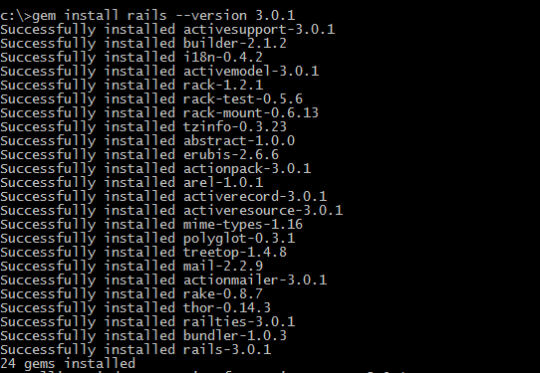
    In the Command Line, type “gem install rails –version 3.0.1”

    When the installation finishes, check the Command Line to verify that Rails  is installed.
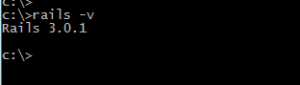
    Type “rails -v” and you should get the box below. Rails is installed.

    Congratulations, you’re all RoR’d ups in this place.

  4. Install Git (Optional Step)

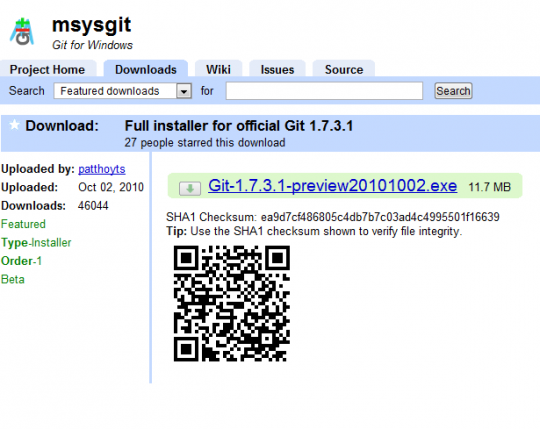
    Grab the latest version of Git. I went with v1.7.3.2. The installer was pretty painless and just involved clicking through the options.

In retrospect, installing Ruby on Rails 3 was not so bad. While I did spend a few hours googling, installing, and documenting the process – the good news is that the process itself is not so bad if you know what files to grab, what to click, and what exactly to type.

Paul Graham’s Upwind

As a new reader of HN, I was poking around PG’s site and this blurb really stood out to me:

I don’t think people consciously realize this, but one reason downwind jobs like churning out Java for a bank pay so well is precisely that they are downwind. The market price for that kind of work is higher because it gives you fewer options for the future. A job that lets you work on exciting new stuff will tend to pay less, because part of the compensation is in the form of the new skills you’ll learn.

PG’s essays are usually good, insightful reads, but this blurb just jumped out at me.

His concept of Upwind vs Downwind is about maximizing your potential. If you’re upwind, you have many possible paths forward (since you haven’t specialized yourself into a niche). While you’re downwind, you don’t have as many doors open to you, but you should be making the big bucks.

I find myself in an “other” category, since I don’t consider myself in a high potential upwind or highly compensated downwind position. I’m downwind yet I’m making peanuts. My solution to this is to gradually get upwind by expanding my skills (reading about UXD and RoR) over time.

Food around town: 5th Ave, Serendipity, and San Gennaro

Here’s a catch up post for some food in the city.

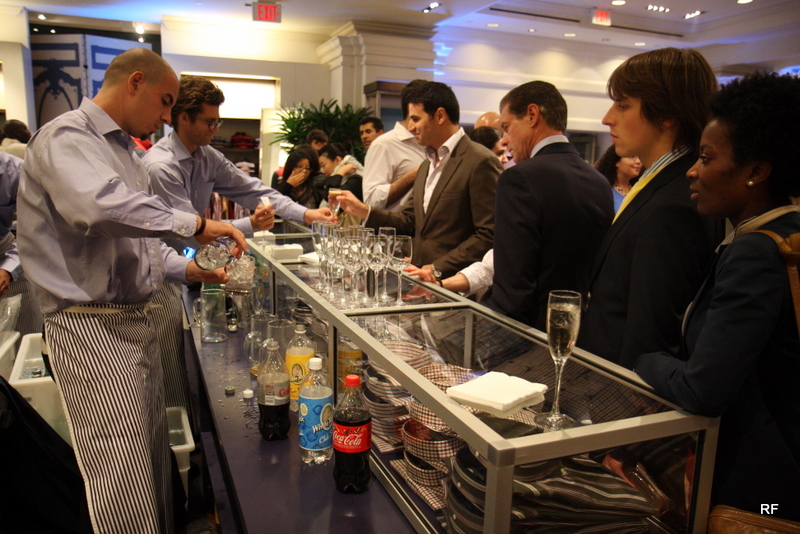
Free drinks at Façonnable

There’s the usual overpriced bar drink in NY. Then there’s the free, all you can drink cheap stuff at luxury retailers on 5th Ave.

Fashion’s Night Out 2010 was the latter. Getting free drinks in Zegna, Versace, etc. while in said stores is simply amazing.

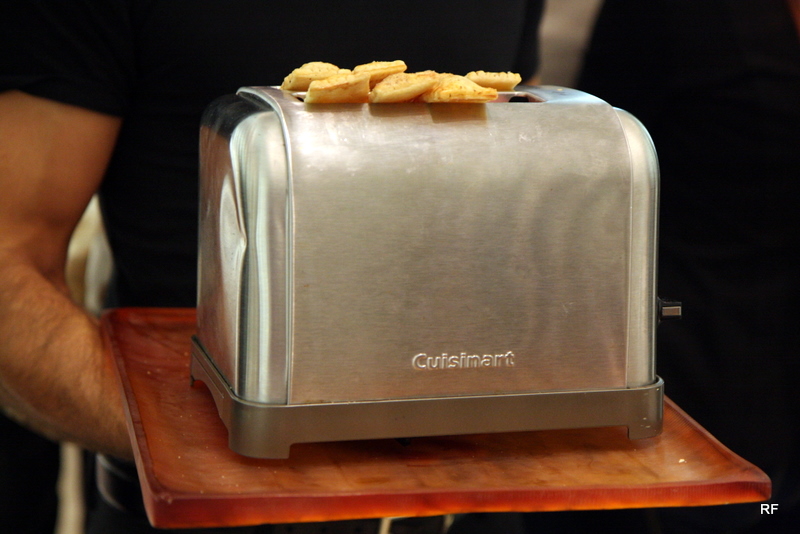
Nine West appetizers

I’m pretty sure this was Nine West. They had drinks and snacks such as the ones pictured above. What a great concept – these were bland tasting toaster pastries, but the presentation was excellent.

Carrot cake at Serendipity 3

Now, we hop over to a long running restaurant called Serendipity 3. They have a little bit of everything on the menu, and they can serve as a dessert place after your dinner if you so choose. The carrot cake above really hit the spot (as well as my wallet).

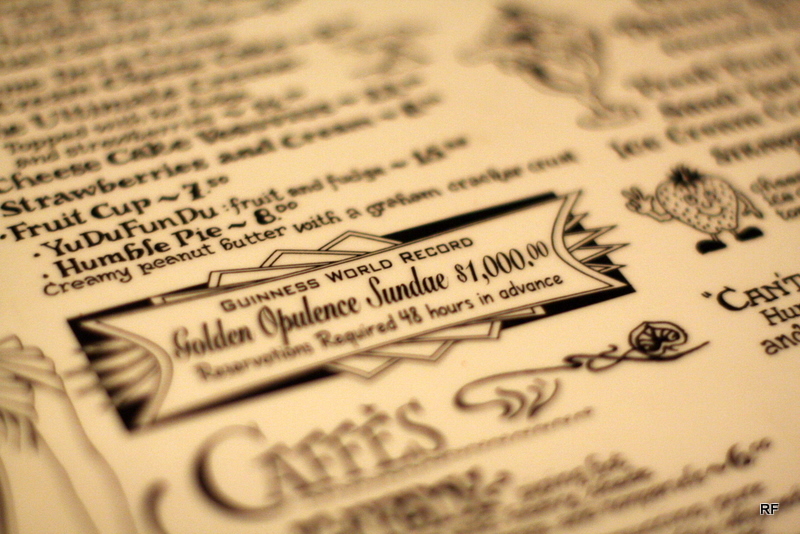
Serendipity 3 Menu

This $1,000 sundae is a bargain compared to their $25,000 haute chocolate.

Strawberry Sundae

This sundae was as delicious as you would imagine, but this thing is enough dessert for 2 or 3 people by itself.

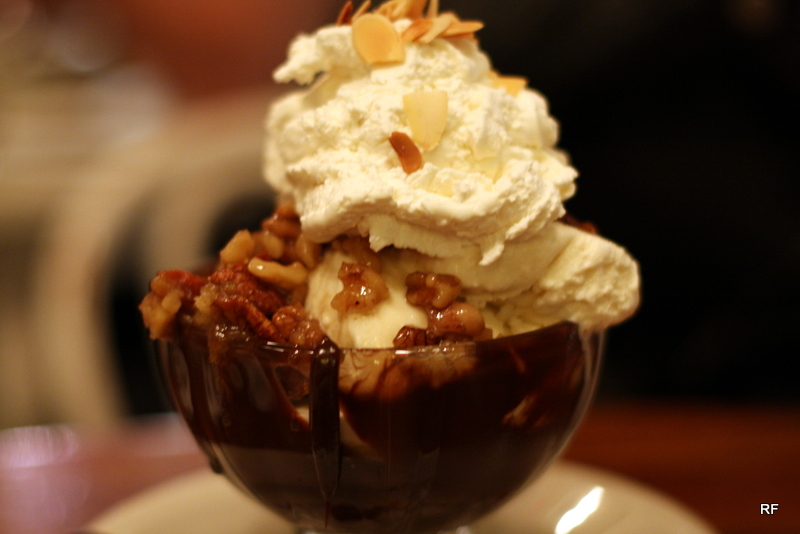
Pecan Pie Sundae

While the strawberry would be enough for all of us at the table, we had to go ahead and get this pecan pie sundae as well.

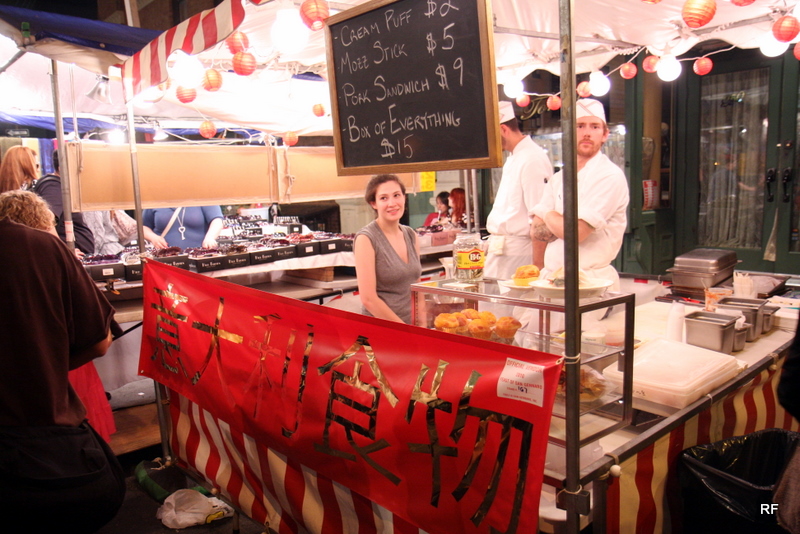
Torrisi Italian Specialties booth

OK, the last part of this post. This is Torrisi’s booth at San Gennaro. San Gennaro is a *meh* festival that has been going on forever, but I had to check out Torrisi’s booth since this is their first showing at the festival.

For more background, check out the Times article. I like that they went for an Asian theme at the Italian festival, just as a tongue in cheek way to poke fun at how Chinatown is taking over Little Italy and everything else in the vicinity.

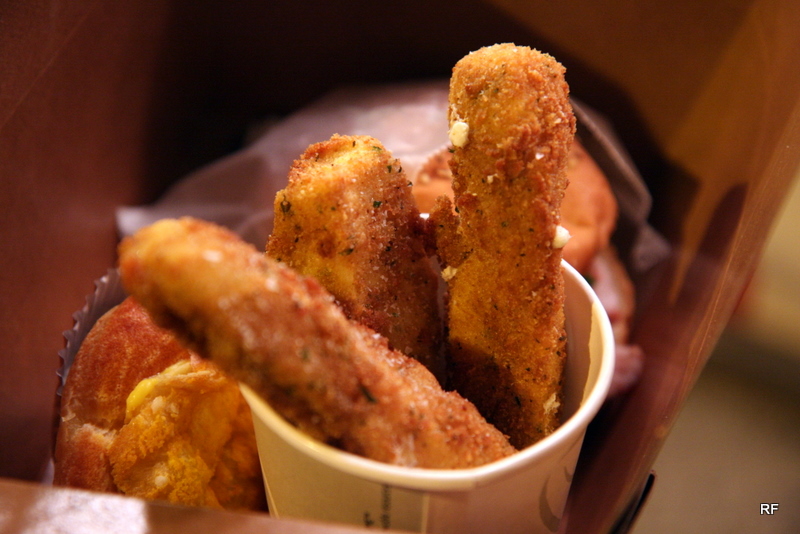
wok-fried mozzarella sticks

These were hearty and had great texture. I felt they were over salted, but hand made mozz is delicious.

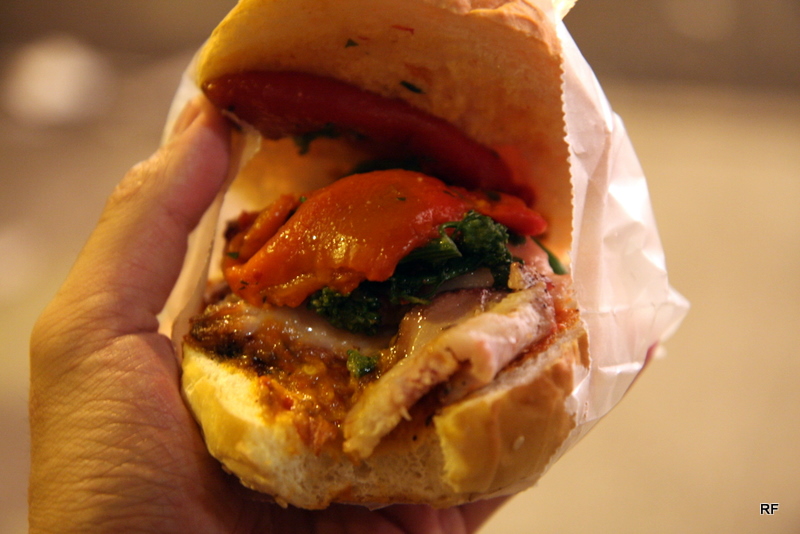
roast pork sandwich

The roast pork sandwich. The one I received was cold, bitter, and mildly spicy. I wouldn’t fault it for being cold, but there was no delicious flavor profile for me. It was simply cold and bitter, which was a disappointment since I’m a huge fan of their lunch sandwiches (specifically the Turkey Panama).

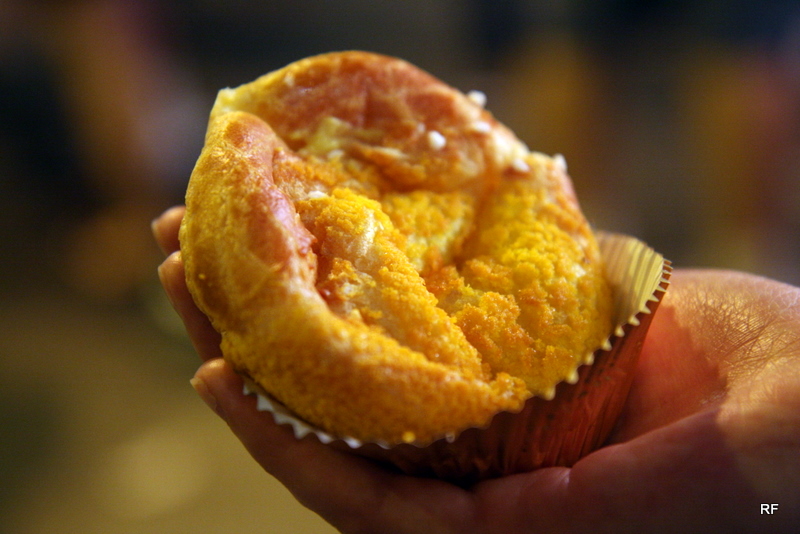
cream puff

While oddly shaped, I actually tried their cream puff on two different occasions. This was the star of the booth for me as the cream puff managed to be light, smooth, and not too sweet in a package that really came together.

Gmail’s New Select All Interface

OK, so this is pretty clever. Clever enough that I’m posting about it Friday night after work when I could be out doing things in the city.

Previous E-mail Options in Firefox

As the caption reads, this is a screenshot for Gmail in Firefox under the older interface. In order to select all e-mails or certain e-mails, you can click on “All” or another text option.

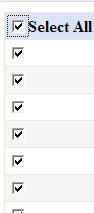
Standard Select All Check box

This is what you normally see around applications and websites to select all. It’s an accepted convention, so regular users know that by clicking on the top check box, all check boxes in the list will be selected.

New E-Mail Options in Chrome

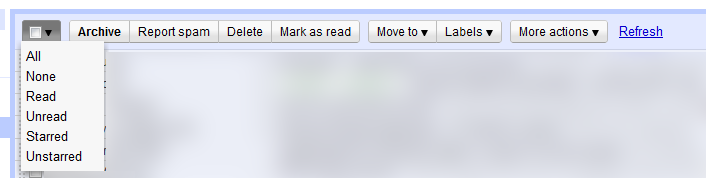
This is what the current e-mail options area looks like. Sorry for using a Firefox screenshot above and a Chrome screen for the new UI. The select all box looks familiar right? Wait, what’s that? There’s a drop down option next to the checkbox?!

New E-Mail Options in Chrome - After Drop Down is Clicked

This screenshot shows what happens when you click it. As I said, this is some clever stuff. It goes from the clunky, non-standard convention of clicking “All” to clicking the check box if you want all items in the list. This is a good thing as general users are accustomed to the convention of clicking the check box to select all options. That in itself is good enough. If power users want to select a specific subset (e.g. Unread, Starred, etc.), they can easily do so with the drop down option.

What are the pros and cons of this change?

Off the top of my head:

Pros

  • Adopts common Select All check box convention
  • Reduces UI footprint (pixel real estate)
  • Simplifies the UI by presenting less options up front
  • The ‘None’ option does not break convention since you can Unselect all by clicking the check box a second time

Cons

  • Power users now have to click twice when they only had to click once before. (Before they could simply click on ‘Unread’)

New York Clockwise


The Times has a great article about circumnavigating the city. By foot.

The idea is simple: walking the circumference of Manhattan in one go. The writer mentions 12 hours and band-aids. Walking for 12 hours sounds like a doable endurance challenge and it’s not nearly as bad as trying to become part of the Adirondack Winter Forty-Sixers.

Who’s with me to do this? My only concerns are that Winter is fast approaching and you would need to dedicate one full day (a Saturday) of your weekend to do it.

Rivane Neuenschwander: A Day Like Any Other @NewMuseum

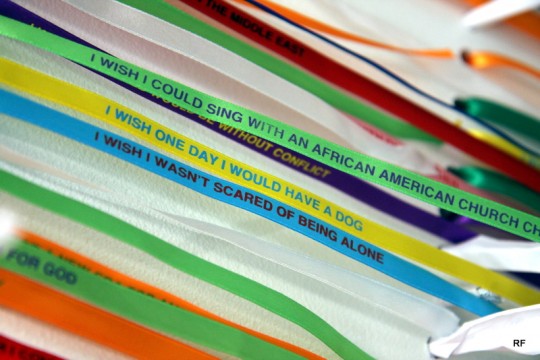
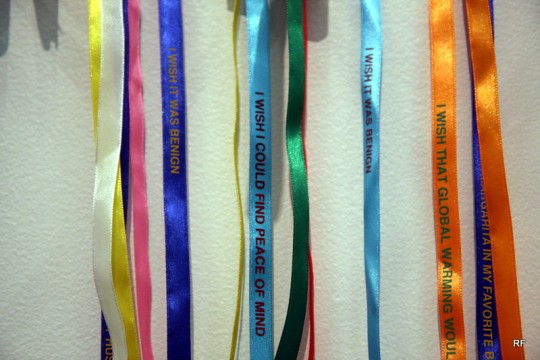
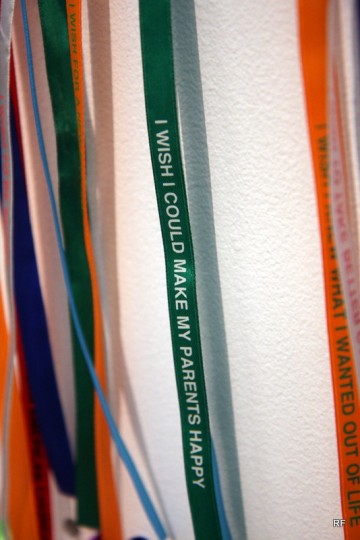
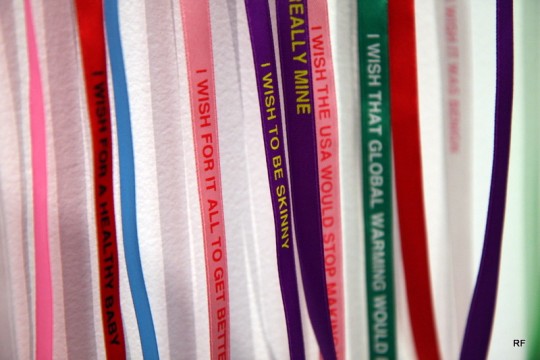
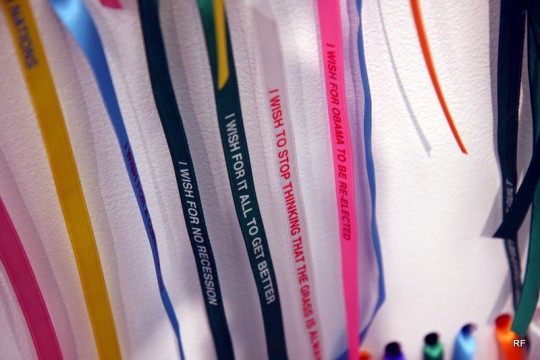
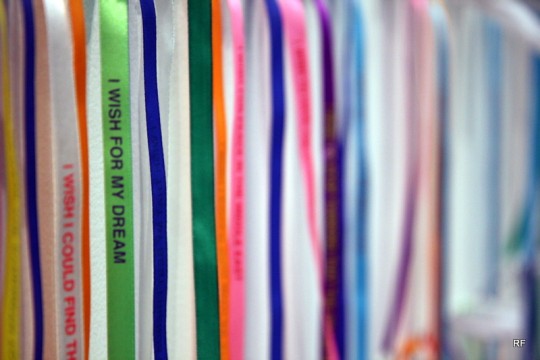
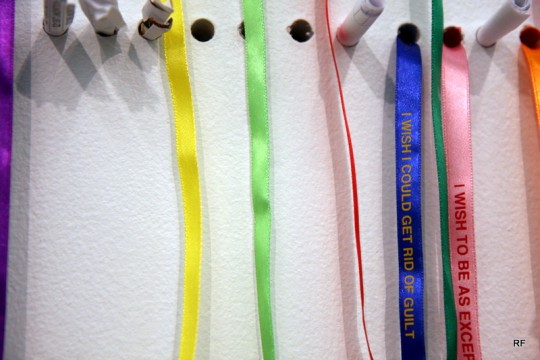
What do you wish for?

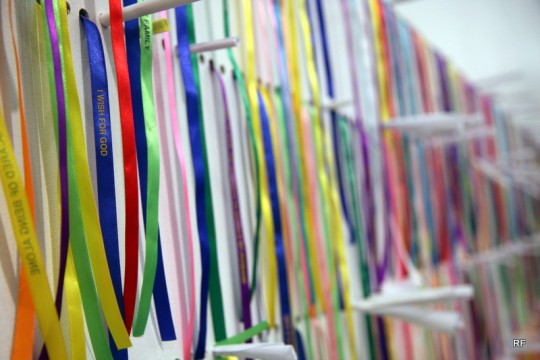
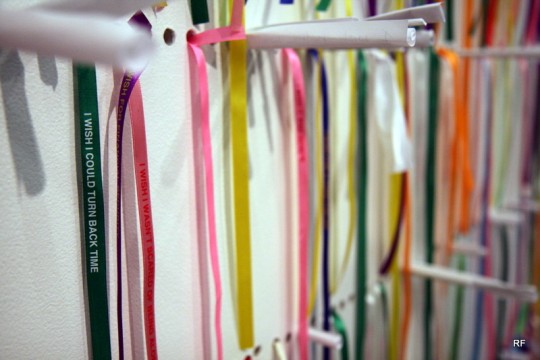
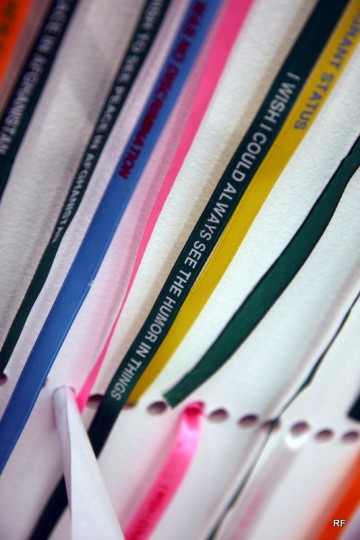
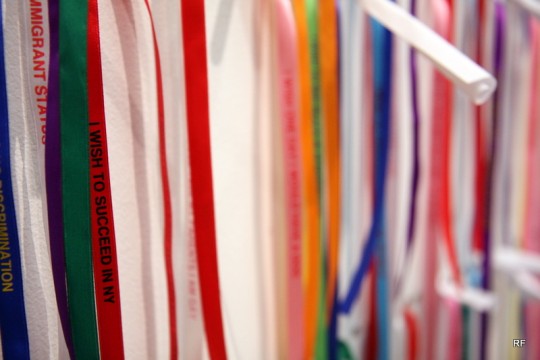
At the New Museum, you can make a wish and tie a ribbon around your wrist. According to a church in Brazil, your wish is granted when the ribbon falls off.

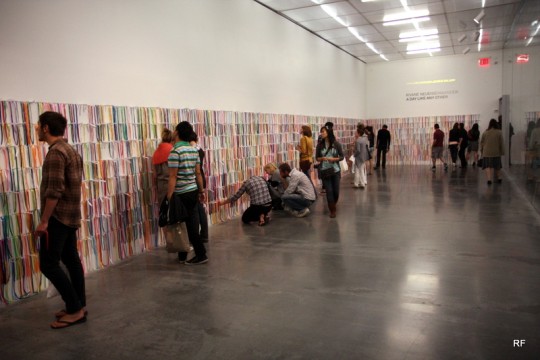
New Museum Lobby

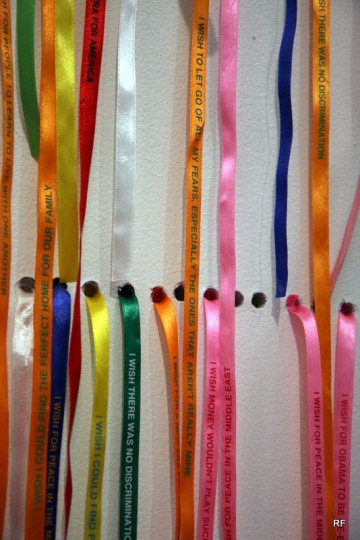
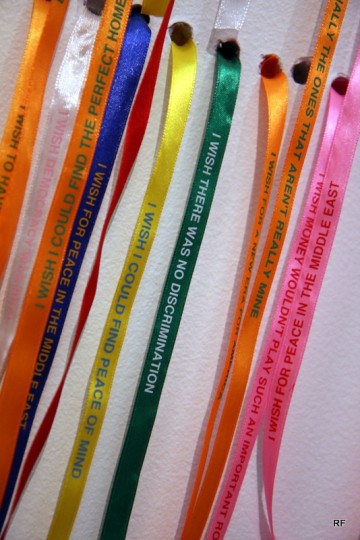
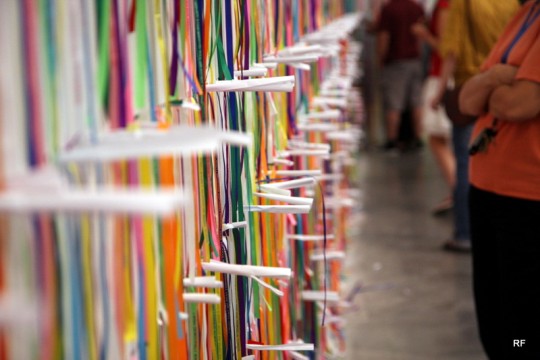
Below are various ribbons hanging on the wall. As part of the exhibit, guests are able to take one off the wall.

“I wish to let go of all my fears, especially the ones that aren’t really mine.”

“I wish I could find the perfect home.”

“I wish one day I would have a dog.”

“I wish I could find peace of mind.”

“I wish I could make my parents happy.”

“I wish for God.”

“I wish I could turn back time.”

“I wish I could always see the humor in things.”

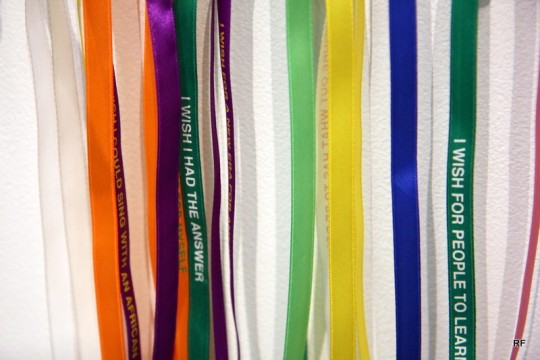
Wall of ribbons

“I wish I had the answer."

“I want to succeed in NY.”

“I wish to be skinny.”

“I wish for it all to get better.”

“I wish for my dream.”

“I wish I could get rid of guilt.”

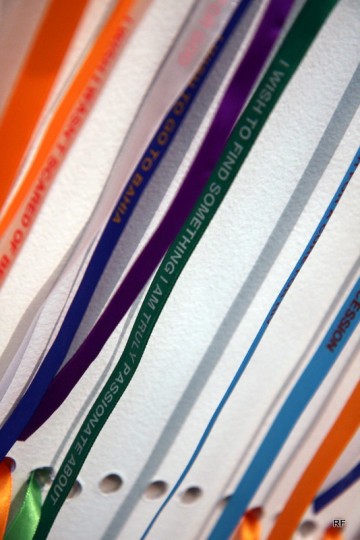
“I wish to find something I am truly passionate about.”

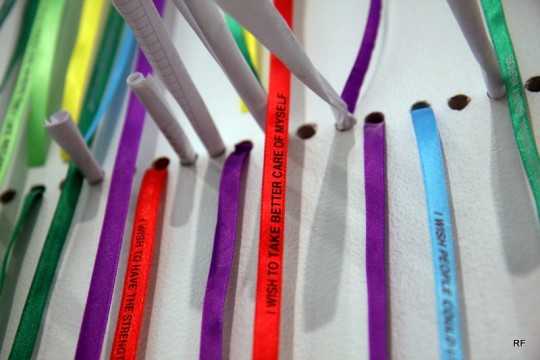
“I wish to take better care of myself.”

Tonight, the admission to this museum was free. No photos were allowed on the exhibit floors, so I only took photos of the main lobby’s ribbon exhibit. The exhibits were very trippy, and I kept trying to figure out if everything was an art piece or not. As in, walking through the staircase between floors, I kept expecting something to pop out at me that was secretly an art installation. The New Museum has a rooftop garden that I want to check out on the weekends when it’s open.

Parked, Crowded, and Frozen

Went to Governor’s Island this past Sunday. While I had heard there was a food truck festival, Parked, this weekend, I didn’t make the connection that it was *this* Sunday when I went to check out the island.

The crowd

There were long lines to get onto the island, and then there were the long lines for each foodtruck

Bao Bing

Hey look, someone made a TW shaved ice foodtruck

Kelvin Natural Slush Co truck

The lines were long, but with such a hot, nice NY day, I decided to go for a slushee

Size of the cups

I’m sure there’s a joke somewhere in this photo of the “Slush Fund”

Large slushes

One was a ginger base with Pink Guava. The other was a half tea, half citrus base with White Peach and Vanilla ice cream. Both were good, but I think their choose your own base (from Ginger, Citrus, and Tea) is really confusing. Do I want Ginger, Citrus, or Tea? They all sound good in some ways.

Standard NY Hot Dog Cart line

The fact that there was an extremely long line for your average NY Hotdog cart amuses me. This shows that location is everything as this hotdog cart was merely outside (and nearby) the Parked Foodtruck event and drew a long line. Other foodcarts around the island (that I assume are there everyday) had some lines, but they were pretty short.