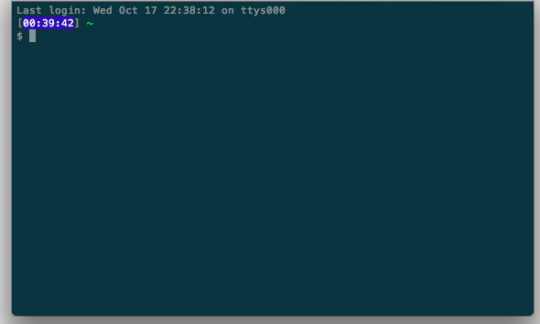
Terminal screen
The first time you see the Terminal screen, it’s very intimidating. “What am I supposed to do here How do I navigate? What can I type?” Over time, [cci]cd[/cci]-ing and [cci]ls[/cci]-ing will become second nature. Using a Command Line Interface (Terminal) is simply more efficient than leaving the comfortable home position to drag the mouse a few inches.
In OS X, Terminal wraps the Bash (Unix shell) application. I’ve learned some essential Bash shortcuts that will help you save time and be more efficient.
- [Tab]
Command-line completion is amazing. Bash will automatically fill in partially typed commands. If you have a file named “profile-page.html” and hit [Tab] while typing out the first few letters, the rest of the file name will likely be auto completed for you. - [cci]ls -a[/cci]
While you probably know about typing [cci]ls[/cci] in a directory to show all files, typing [cci]ls -a[/cci] will let Bash show you all files (including the hidden ones) that Finder won’t show you by default. - [cci]touch [/cci][file_name]
The touch command takes in a file_name argument that is the file name created on the spot. - [Cmd+T]
Create tabs with [Cmd+T] Do you remember the first time you tried Firefox several years ago? Tabs are your friends. - [cci]open [/cci] [target]
The open command followed by the folder or file name will let you open up files in their default application.
Working out of the Terminal is amazing. If you’re interested in more power tips, I’d recommend reading about alias and subl symlink.